Investors: Set Portfolio Alerts With 5% Drift and Security Checks
Platform agnostic guide for investors to set portfolio alerts. Test notifications, use 5 percentage point drift checks, enable security alerts, and batch...
Investors: Set Portfolio Alerts With 5% Drift and Security Checks

The essential alerts to turn on now are price or percent-move triggers on your core holdings, allocation-drift alerts tied to your target mix, account-security alerts for logins and transfers, and material-event alerts for earnings and ex-dividend dates. Deliver them through push notifications and email, and test each one before you rely on it. Treat every alert as a prompt to review, never as a signal to trade automatically, especially in a margin account.
TL;DR:
- Price and percent-move alerts should be used for predefined entry, exit, or stop-loss levels, while volume and technical alerts mainly provide informational context.
- Setting allocation-drift alerts with a threshold of around 5 percentage points helps identify when your portfolio's balance deviates, prompting a review rather than automatic trading.
- Security alerts for logins and account changes are essential, but they do not guarantee time to react to margin calls or suspected fraud, so understanding your account terms remains critical.
- Centralizing alerts across multiple accounts using tools like Evibe can reduce duplicated notifications and improve overall portfolio oversight with AI insights and smart alert management.
- Always test alerts immediately after setup and review their logs periodically; batch informational alerts into daily digests to prevent reaction fatigue and overtrading.
Table of Contents
- Types of portfolio alerts and when to use each
- How to set portfolio alerts (platform-agnostic step-by-step)
- Portfolio-level alerts: allocation drift and rebalancing prompts
- Account-security alerts and regulatory cautions
- Using alerts without overtrading: practical workflows and rules
- Lessons from consolidating alerts across accounts
- Evibe: consolidate accounts and get smarter portfolio alerts
- Sources
- FAQ
Types of portfolio alerts and when to use each
Not every alert deserves the same reaction. Percent triggers scale better across a diversified portfolio because they adjust naturally as prices change, while fixed-price alerts work well for a specific entry or exit target you've already decided on.
Volume and technical alerts flag unusual trading activity or a moving-average crossover. They're informational: useful context, rarely a reason to act on their own. Dividend and earnings alerts mark calendar events, ex-dividend dates, and earnings releases, which matter for cash-flow planning and yield-on-cost tracking. News and rating-change alerts surface analyst actions or headlines tied to a holding, but they're noisy by nature and best treated as background signal.
Allocation-drift alerts sit above individual securities and watch your overall mix against target weights.
- Price alerts (absolute or percent): best for predefined entry, exit, or stop-loss levels.
- Volume and technical alerts: informational context, not standalone action triggers.
- Dividend and earnings alerts: track cash flow events and calendar dates.
- News and rating-change alerts: background awareness, rarely urgent.
- Allocation-drift alerts: portfolio-level prompts to review, not to trade immediately.
How to set portfolio alerts (platform-agnostic step-by-step)
Most brokers, trackers, and apps follow a similar sequence once you understand the pattern.
- Pick the scope: choose a single ticker, a watchlist, or your whole portfolio.
- Select the alert type: price, percent move, volume, dividend, or allocation drift.
- Define the condition: a specific value ($42), a percent change (down 7%), or a calendar event (ex-dividend date).
- Choose your delivery channels: push notification, email, SMS, or a combination.
- Save the alert and send a test: confirm your phone number and email are current.
- Review the alert log after a week to see if thresholds are too tight or too loose.
Sample condition phrasing looks like "Notify me if AAPL drops more than 6% in one trading day" or "Alert me when portfolio allocation to equities exceeds 70%." Both are specific enough to act on without guessing what triggered the notification.
Pro Tip: Send yourself a test alert immediately after setup, since an unconfirmed phone number or spam-filtered email defeats the purpose entirely.
Institution-specific differences matter here. Some brokers only support price alerts on individually held tickers, not on a whole watchlist, while third-party trackers often add portfolio-level and allocation alerts that brokers don't offer natively. If you hold accounts across multiple firms, expect gaps and overlaps, and check each provider's settings menu rather than assuming parity.
Portfolio-level alerts: allocation drift and rebalancing prompts

A common approach is to set a drift threshold, often 5 percentage points, though the right number depends on your plan and risk tolerance.
Investor frames these alerts as prompts to review your allocation, not instructions to trade immediately, and notes many professionals consider rebalancing on a cadence of six to 12 months. That distinction matters: a drift alert tells you it's time to look, not what to do.
- Set drift thresholds that match your time horizon and risk tolerance, not a generic default.
- Review before acting: check tax and fee impact before selling to rebalance.
- Pick a cadence: scheduled reviews (quarterly or semiannual) catch drift that daily alerts might over-trigger.
For a full walkthrough of rebalancing mechanics, including a sample 60/40 example, see our portfolio rebalancing checklist.
Account-security alerts and regulatory cautions
Security alerts protect the account itself, not just the positions in it. Turn on notifications for logins, failed login attempts, password or profile changes, transfers, and any change that links a new external account.

Investor.gov recommends turning on available account alerts, noting that the exact alert types and delivery methods depend on your specific firm, so check your provider's settings rather than assuming a default is active.
Alerts have limits. FINRA warns that in a margin account, a firm can liquidate positions to meet a margin call without contacting you first, so an alert about a margin shortfall doesn't guarantee time to react. Know your margin agreement before you rely on notifications to protect you.
If you get a suspected fraud alert, contact your firm directly through a verified number, ask about freezing transfers, and check the firm's registration on BrokerCheck.
Using alerts without overtrading: practical workflows and rules
The fastest way to turn useful alerts into bad decisions is reacting to every one of them. Split your alerts into two buckets from the start: informational (news, volume, rating changes) and action (predefined price or allocation triggers you've already thought through). Only the second bucket deserves a same-day look.
Research summarized by CEPR finds that attention triggers change trading intensity and risk-taking, which is exactly why alert design matters. A notification that grabs your attention at the wrong moment can push you toward a trade you wouldn't otherwise make.
- Review: read the alert and note what triggered it.
- Analyze: check the underlying reason, earnings miss, sector news, or normal volatility.
- Act (or don't): only trade if the analysis supports a decision you'd already planned for.
A simple response plan for a price-drop alert: wait 24 to 72 hours, recheck the fundamentals, and only sell if the original thesis has actually changed.
Pro Tip: Batch your informational alerts into a single daily digest so only action alerts interrupt your day in real time.
Our guide on turning price alerts into disciplined action walks through this decision rule in more detail.
Lessons from consolidating alerts across accounts
Investors running accounts at multiple brokers run into the same three problems: duplicated notifications for the same event, missed alerts because contact info went stale after a phone number or email change, and news alerts so frequent they get muted entirely, defeating their purpose.
A quarterly alert audit fixes most of this. Delete alerts on positions you've sold, confirm contact details are current, and prune any alert type you've been ignoring for months. Centralizing delivery in one place, rather than juggling settings across five apps, is the single biggest improvement most people can make. Evibe's synced accounts and smart alerts were built around exactly that problem.
— Vincent
Evibe: consolidate accounts and get smarter portfolio alerts
Chasing alerts across five broker apps and a spreadsheet is its own kind of risk. Some portfolio tracking apps sync bank and brokerage accounts automatically, covering various asset classes in one dashboard, so a single alert setup covers your whole portfolio instead of one account at a time.
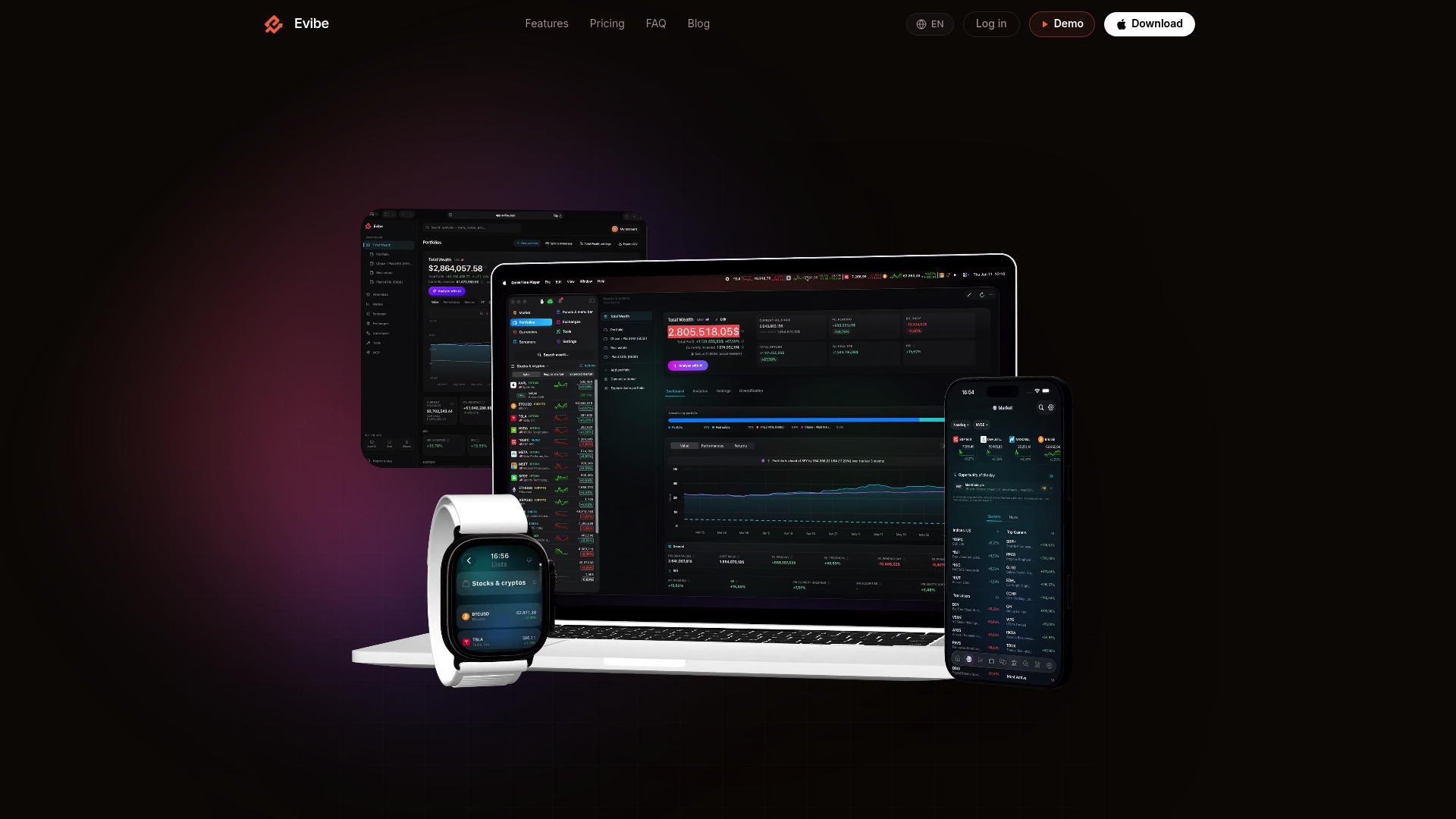
The same setup sequence from earlier in this piece applies inside Evibe: connect your accounts, configure allocation-drift and price alerts at the portfolio level, choose push and email as your channels, and test each one before you trust it.
- Multi-account syncing: stocks, ETFs, options, crypto, and more in one view.
- AI-driven insights: risk, diversification, and performance metrics built from your actual holdings.
- Smart alerts: portfolio-level notifications that follow the review-first approach described above.
- Options tracking: Greeks and expiry calendars for active options investors.
Evibe is $79 per year, with a 7-day free trial through the App Store. If consolidated, AI-driven alerts sound like what your current setup is missing, try Evibe and see how your full net worth looks in one place.
This article is general information, not a substitute for advice from a qualified financial advisor. Consult a qualified financial professional about your own circumstances before acting on anything here.
Sources
FAQ
How many portfolio alerts should I set to avoid overload?
There's no fixed number, but a workable rule is one price or drift alert per core holding plus a handful of portfolio-level triggers, with news and volume alerts batched into a digest. Splitting alerts into informational versus action categories, as recommended by research on attention and trading, keeps the volume manageable.
Do alerts prevent a forced sale in a margin account?
No. FINRA warns that firms can liquidate positions to meet a margin call without contacting the customer first, so an alert is not a guarantee you'll have time to act. Understanding your margin agreement matters more than any notification setting.
Are portfolio alerts free to set up?
Most brokers include basic price and account alerts at no extra cost, though availability and alert types vary by firm according to Investor.gov. Evibe's smart alerts and AI-driven insights are included with its $79 per year plan after a 7-day free trial.
Should I set alerts on individual stocks or the whole portfolio?
Both serve different purposes: individual-ticker alerts catch specific price or news events, while portfolio-level allocation-drift alerts tell you when your overall mix has moved away from target. Using both together covers day-to-day moves and longer-term rebalancing needs.
What should I do if I get a suspected fraud alert?
Contact your firm directly through a verified phone number or app, ask about freezing pending transfers, and check the firm's standing through BrokerCheck. Investor.gov treats unexpected account alerts as a fraud-detection signal worth acting on immediately.