Filters that watch the market for you
A screener is a saved set of conditions over fundamental and technical data. You define what makes a stock interesting — yield above 3%, P/E below 20, debt-to-equity below 1, five-year revenue CAGR above 8% — and Evibe continuously evaluates every covered ticker against your rules.
The product of a screener is two-fold:
- A live list of every stock that currently matches.
- Alerts when a stock enters or leaves your list — the moment the threshold flips, you get pinged.
That second part is the one most "screener" features miss. A static list of matches is interesting at first glance and useless three days later. A screener you've saved and that pings you when the market crosses your line is research that keeps working while you do other things.
What you can filter on
Over 60 fundamentals, grouped into clusters:
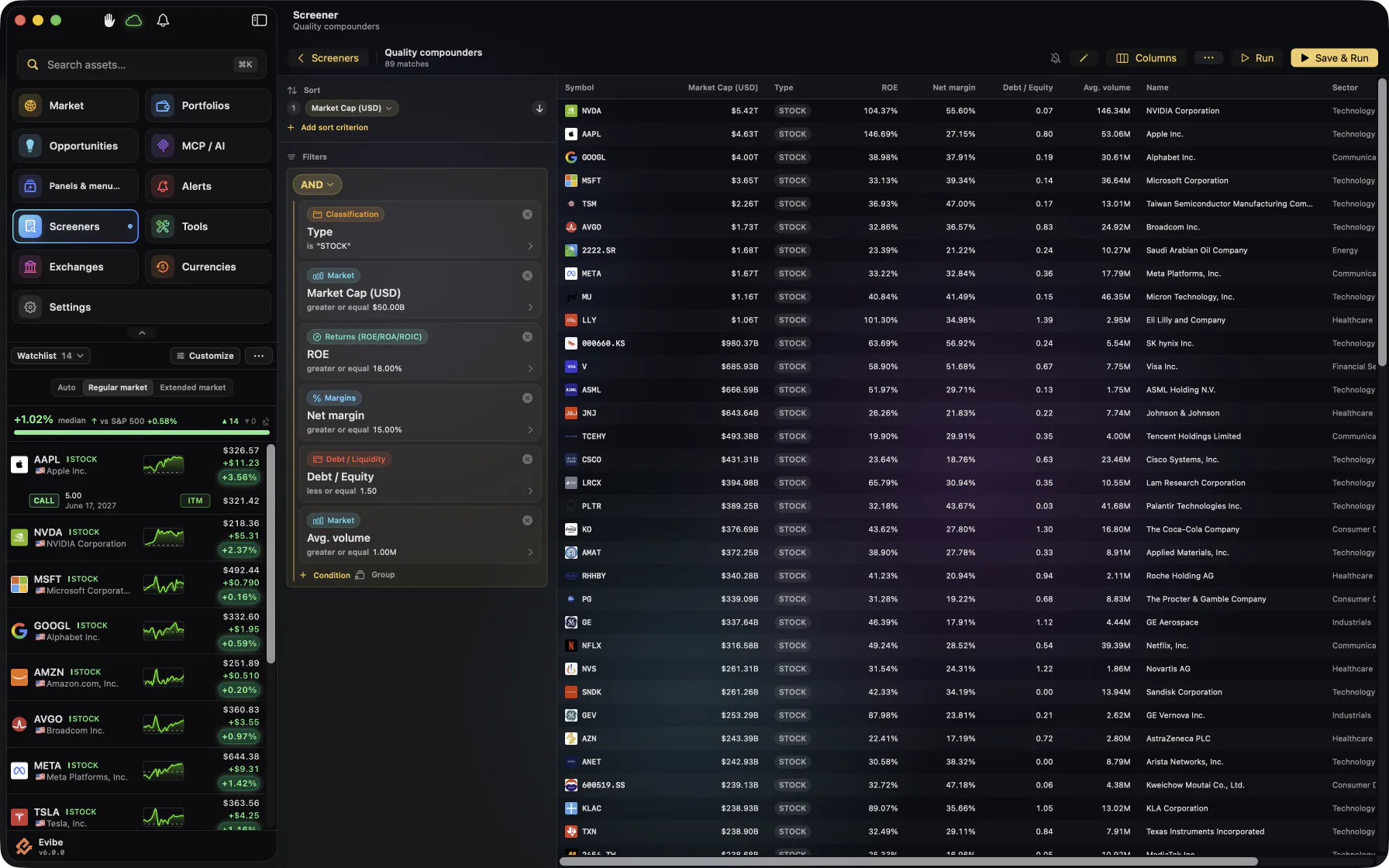
- Valuation — P/E, P/B, P/S, EV/EBITDA, FCF yield.
- Profitability — gross margin, operating margin, net margin, ROE, ROA, ROIC.
- Growth — revenue and EPS growth on 1y, 3y, 5y, 10y horizons.
- Financial health — debt-to-equity, interest coverage, current ratio, quick ratio.
- Dividends — yield, payout ratio, coverage, growth streak years, recent hike size.
- Size & liquidity — market cap bands, average daily volume.
- Geography & sector — country, sector, industry.
Filters can be combined with AND / OR, and a single criterion can be a range (e.g., yield between 2% and 5%).
Save, name, alert
Once a filter set works, save it with a name. From that moment Evibe re-evaluates the universe whenever the underlying data changes (live for prices, on-update for fundamentals). When a ticker newly matches, you get an "Entered: XYZ" notification. When one that previously matched drops out, "Exited: XYZ".
Use cases that actually work
- DGI watchlist generator — high yield, low payout, long growth streak. Get pinged when a new aristocrat-track candidate qualifies.
- Value rotation — low P/B, high FCF yield, sub-30 P/E. Auto-update as multiples compress in a sell-off.
- Quality compounders — high ROIC, low debt, steady revenue growth. The pings are rare; that's the point.
- Pre-earnings hunting — set a screener, get alerted as a small-cap crosses your size threshold.
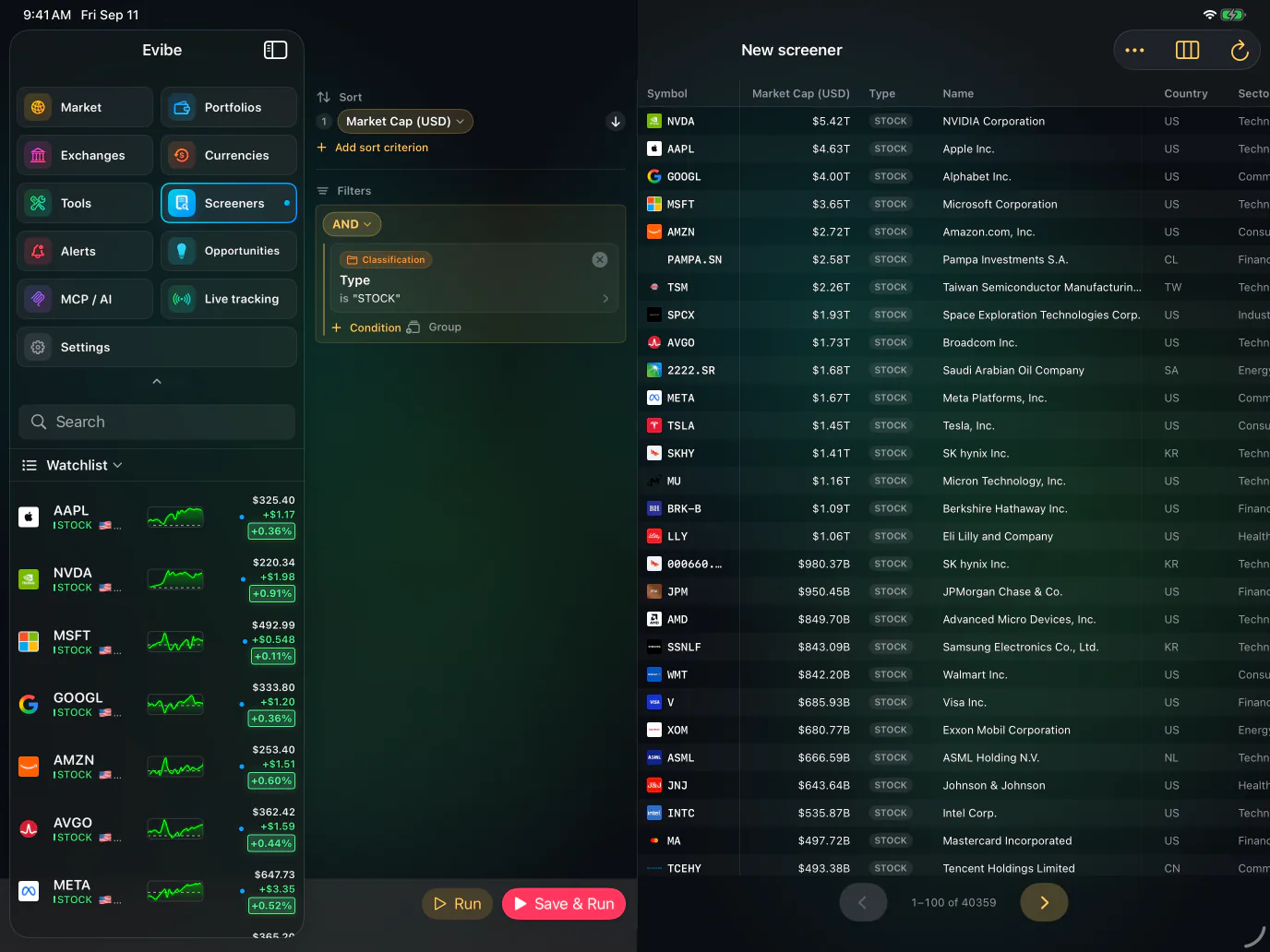
Available on iPhone, Mac and the web
The screener builder and the saved-screener list are first-class on iOS and macOS — and available in the web app too. The Mac and web versions benefit from the wider screen for complex multi-filter builders; the iOS version is the surface where the alerts land.