Securely Consolidate Investment Accounts: 7 Steps for Investors
Security first 7 step checklist to consolidate investment accounts. Prefer OAuth over scraping, verify holdings, enable MFA, and try Evibe’s 7 day trial...
Securely Consolidate Investment Accounts: 7 Steps for Investors

Consolidating investment accounts means linking your existing brokerages and banks to a single app so you see one net-worth number instead of five different logins. It's not about closing accounts or moving assets to a new custodian. The right move is picking an aggregator that connects through API or OAuth, not screen scraping, and that requires multi-factor authentication before it touches your data. Apps like Evibe and the account aggregators behind them handle this connection type today, using secure API or OAuth connections.
TL;DR:
- Using API or OAuth connections for account aggregation enhances security by avoiding the sharing of bank passwords and enabling multi-factor authentication.
- Manual checks of account balances against statements after the initial sync, especially during low-trade periods, reduce reconciliation errors and ensure data accuracy.
- Synchronization delays vary by institution, so real-time net worth estimates are typically as recent as the last successful update, not immediate.
- Properly verifying permissions, understanding data retention policies, and revoking access when necessary are critical steps to maintain account security.
- AI-driven insights assist in monitoring portfolio risk and diversification but should not replace personalized advice from a qualified financial professional.
Table of Contents
- How Account Aggregation Actually Works
- What Security Checks Should You Run Before Connecting Accounts?
- Step-by-Step Checklist to Safely Consolidate Your Brokerages and Banks
- What Your Aggregated Dashboard Shows, and Where It Falls Short
- Keeping Your Connected Accounts Accurate and Secure
- Why Evibe Built Aggregation Around Security First
- Get Your Full Net Worth in One Place With Evibe
- Where This Article's Security Guidance Comes From
- Sources
- FAQ
How Account Aggregation Actually Works
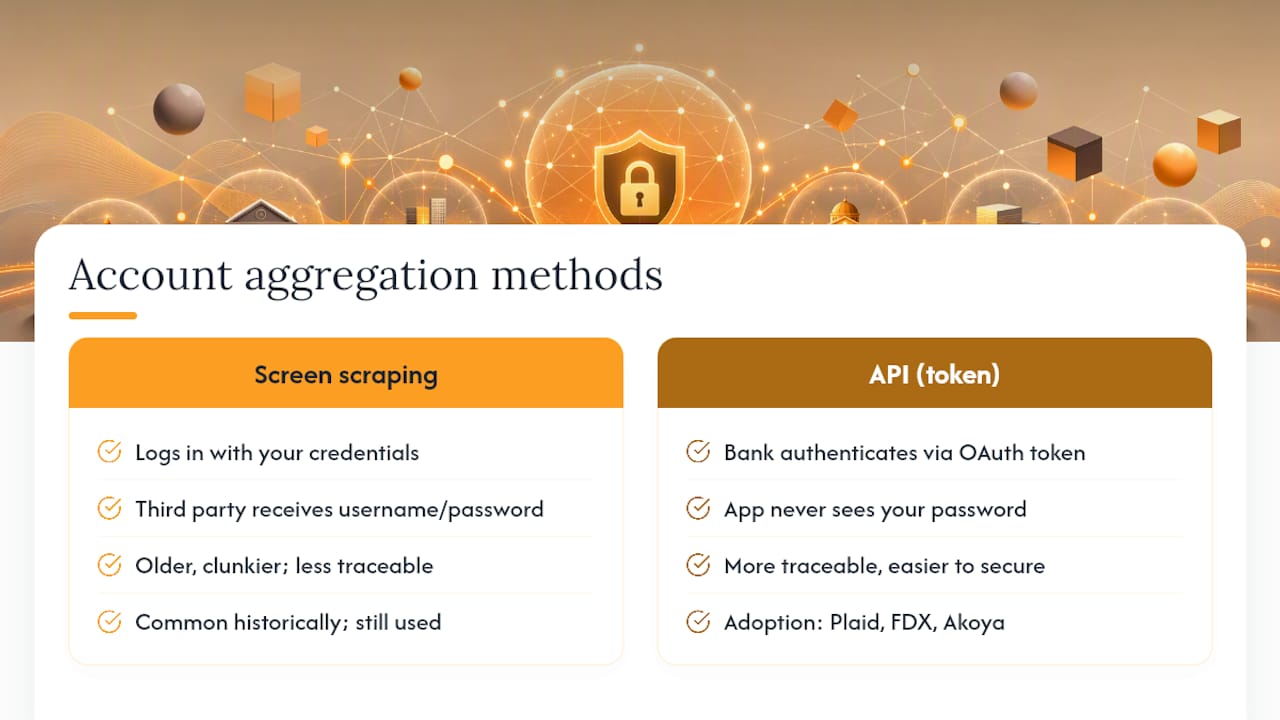
Two methods dominate account aggregation, and the difference matters more than most people realize. Screen scraping works by logging into your accounts using your actual credentials, then reading the page like a browser would. It's older, clunkier, and requires you to hand over your username and password to a third party. API-based connections work differently: your bank authenticates you directly through OAuth, then issues a token that lets the app pull data without ever seeing your password.
The OCC's guidance to banks recommends direct data-feed and API arrangements where practical, largely because they're more traceable and easier to secure than scraping. Account aggregators became the largest players in this space by building API connections to thousands of institutions, and the broader industry has been pushing toward standards like Financial Data Exchange (FDX) and tokenized access through networks like Akoya.
What actually gets pulled into your dashboard: account balances, holdings, transaction history, and positions. Manual entry still fills the gaps. Real estate, private equity, collectibles, and certain retirement accounts often need to be added by hand.
What Security Checks Should You Run Before Connecting Accounts?
Before you link a single account, confirm how the app connects to your institutions. If it asks for your bank username and password directly instead of redirecting you to your bank's own login screen, that's a screen-scraping setup, and it's worth pausing on.
FINRA's guidance on aggregation risk tells consumers to understand exactly how a service accesses, uses, and retains their data before connecting anything. A few checks take less than five minutes each:
- Confirm the app uses OAuth or API-based sign-in rather than storing your bank credentials.
- Turn on multi-factor authentication for both your financial institutions and the aggregator app itself.
- Read the consent screen closely. Read-only access to balances and holdings is very different from permissions that allow transactions.
- Check the privacy policy for data retention terms. Some aggregators keep transaction history indefinitely; others purge it after syncing.
Pro Tip: Use a password manager to generate a unique password for every financial login you have. Reused or weak passwords are exactly what attackers exploit when they feed stolen credentials into aggregator-style apps to link accounts fraudulently.
Investigative reporting from Krebs on Security has documented cases where compromised bank passwords were used specifically to trigger account-linking fraud through data aggregation. That's the practical argument for OAuth over scraping: your bank's own fraud controls stay active during the handshake instead of being bypassed entirely.
Step-by-Step Checklist to Safely Consolidate Your Brokerages and Banks
Getting your first sync right saves you from re-linking accounts later and catches errors before they compound. Work through these steps in order.
- Inventory every account you own. List taxable brokerages, IRAs, 401(k)s, crypto wallets, cash accounts, and anything you'll need to enter manually, like real estate or a startup stake.
- Choose an aggregator with API/OAuth support. Confirm this before you link anything. Screen-scraping apps still exist, and they're worth avoiding when a better option is available.
- Connect through your bank's own login page, not a form embedded in the app that asks for your credentials directly. This is the visual tell for OAuth versus scraping.
- Grant the minimum permissions offered. Most consolidation tools only need read access to balances and holdings, not transaction authority.
- Verify your holdings immediately after the first sync. Compare share counts and balances against your brokerage statement. Small discrepancies at this stage often point to lag, not errors, but it's worth checking.
- Set up alerts for price moves, dividend payments, or allocation drift once your data looks accurate.
- Confirm you know how to revoke access. A legitimate aggregator will show you exactly where to disconnect an account, either in-app or through your bank's connected-apps settings.
Pro Tip: Do the reconciliation step on a day with no pending trades or transfers. Comparing a portfolio mid-settlement against a statement is the most common reason people think their aggregator is broken when it isn't.
What Your Aggregated Dashboard Shows, and Where It Falls Short
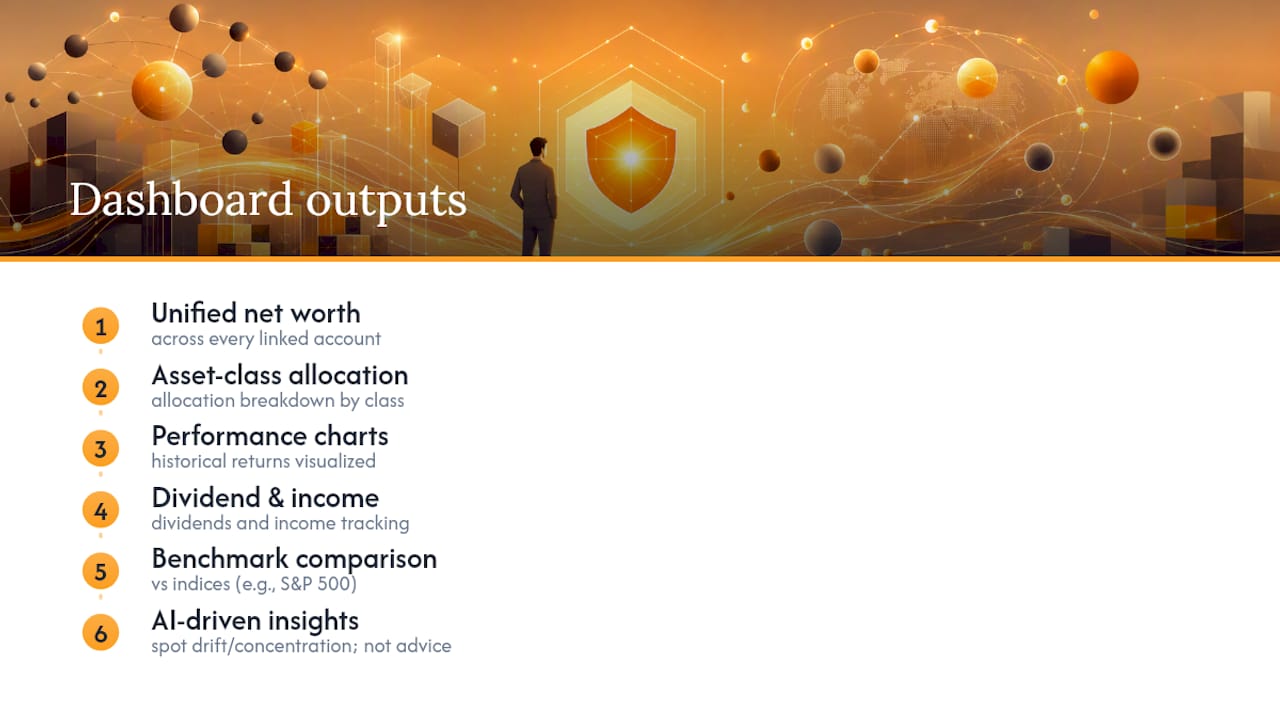
A well-built dashboard gives you unified net worth across every linked account, an allocation breakdown by asset class, performance charts, dividend and income tracking, and benchmarking against indices like the S&P 500. Coverage of portfolio trackers from Forbes Advisor notes that this combination, multi-account syncing plus analytics plus AI-driven insights, has become the standard feature set for serious tools in 2026, though exactly which features show up depends heavily on the plan.
The limitations are just as real. Sync timing varies. Some institutions update once daily, others lag by a day or more, so your "real-time" net worth is really "as of last sync." Cost basis can be incomplete for older holdings, particularly assets transferred between brokers years ago. Crypto adds its own wrinkle: tracking a wallet address is not the same as tracking custody, and a dashboard showing your holdings doesn't mean it controls or secures them.
AI-driven insights deserve a specific caution: treat them as a way to spot allocation drift or concentration risk, not as personalized financial advice. The pattern is genuinely useful. The judgment call is still yours.
Keeping Your Connected Accounts Accurate and Secure
Aggregation isn't a one-time setup. Treat it the way you'd treat any recurring financial task: check it, don't just trust it.
- Reconcile your dashboard against actual broker statements monthly, not just at tax time.
- Revoke and reauthorize access whenever you change a bank password or notice unusual login activity. Most institutions list connected third-party apps under security settings.
- If sync breaks, the fix is usually re-linking the account or resolving a pending MFA prompt the app is waiting on.
- Some institutions block automated access entirely for certain account types. If a sync consistently fails, that's often the reason.
- When you contact support, have the account name, approximate timestamp of the failure, and a screenshot ready. It speeds up diagnosis considerably.
Why Evibe Built Aggregation Around Security First
We built Evibe around a simple premise: your net worth should update itself, and the connection method shouldn't be the weak point. Evibe syncs through secure API connections rather than screen scraping, covers multiple asset classes in one dashboard, and includes AI analysis on risk and diversification.
On your first sync, expect to verify balances against a recent statement and set up alerts for the metrics you actually care about, yield on cost, allocation drift, or performance against a benchmark. The picture is finally complete once every account reports in.
— Vincent
Get Your Full Net Worth in One Place With Evibe
Spreadsheets and five separate broker apps can technically get you a net-worth number, but you're doing the math manually every time something changes. Evibe closes that gap by syncing your brokerages, banks, and manually tracked assets, real estate, collectibles, private holdings, into one dashboard that updates on its own.
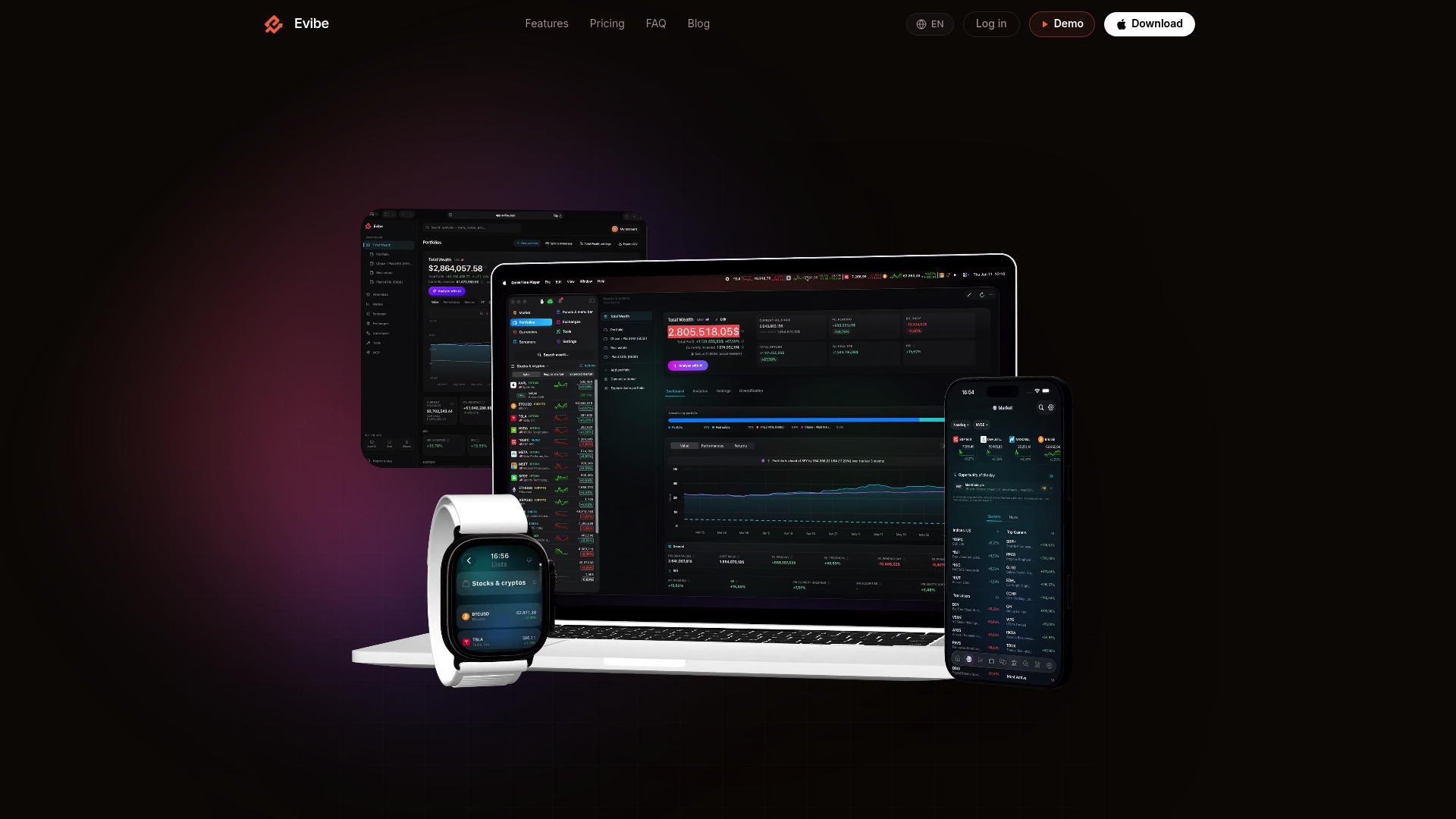
Every connection runs through API-based aggregation rather than credential-based scraping, and AI-driven analysis flags concentration risk and diversification gaps as your accounts sync in. The Evibe app covers asset classes most consolidation tools skip entirely, from options with Greeks to dividend yield-on-cost tracking, all in a privacy-first setup that never stores your bank passwords or sells your data. Evibe is free to use, and every new account starts with 7 days of Premium, broker sync included. Start free, connect your first two accounts, and check that your holdings match your last statement before you link the rest.
Where This Article's Security Guidance Comes From
The OCC and FINRA set the regulatory baseline for how aggregators should disclose data use. Krebs on Security documents real-world fraud tied to weak credentials, and industry summaries from BPI track the shift toward tokenized API standards.
This article is general information, not a substitute for advice from a qualified financial advisor. Consult a qualified financial professional about your own circumstances before acting on anything here.
Sources
- Bank-Provided Account Aggregation Services: Guidance to Banks | OCC
- Know before you share: Be mindful of data aggregation risks | FINRA
- The risk of weak online banking passwords – Krebs on Security
- Data aggregator issue summary | BPI
- The Best Portfolio Management Apps Of 2026 – Forbes Advisor
FAQ
Does consolidating investment accounts mean moving my money?
No. Account aggregation links your existing accounts to a dashboard for tracking and analysis; your assets stay exactly where they are, held by your current brokerages and banks.
Is API-based syncing safer than screen scraping?
Yes. API and OAuth connections let your bank authenticate you directly and issue a token, so the aggregator never sees your password, unlike screen scraping, which requires your actual login credentials.
What should I check before linking a brokerage account to an app?
Confirm the app uses OAuth sign-in through your bank's own login page, enables multi-factor authentication, and requests read-only rather than transaction-level permissions.
Can AI-driven portfolio insights replace a financial advisor?
No. AI analysis in apps like Evibe is useful for spotting allocation drift, concentration risk, and performance trends, but it's a monitoring tool, not personalized financial advice.
How much does Evibe cost?
Evibe is free to use: the Free plan covers one portfolio of up to 50 holdings. Premium costs $9.99 per month or $99.99 per year through the App Store, and every new account starts with 7 days of Premium. No ads, no ad-based version.