Investors: SEC Aligned Privacy Investment App Security in 30 Min
Run a privacy-first, regulator-aligned checklist in 30 minutes to verify an investment app’s security. Check MFA/passkeys, SIPC and sweep disclosures, and...
Investors: SEC Aligned Privacy Investment App Security in 30 Min

Investment apps can be genuinely safe, but only when the provider enforces multi-factor authentication, discloses how it custodies your cash and securities, and gives you real-time alerts on account activity. Regulators including the SEC and FINRA point to these three controls as the baseline. Before you fund any account, confirm they're in place.
TL;DR:
- Using passkeys or authenticator apps significantly reduces the risk of credential theft compared to SMS codes, especially against phishing and SIM-swaps.
- Confirm that an investment app discloses custody protection measures, such as SIPC membership and details of sweep arrangements, before depositing funds.
- Enable multi-factor authentication, device locks, and real-time alerts on all accounts immediately to catch unauthorized activity quickly.
- Read-only account linking minimizes risks by preventing unauthorized transfers or trades if credentials are compromised.
- Most security failures stem from weak authentication or broad permission scopes rather than hacking; choosing providers that default to limited access reduces overall risk.
Table of Contents
- Essential security controls an investment app should offer
- Custody, SIPC, and bank sweeps: what protections actually cover your assets
- How to evaluate an investment app before you fund it
- Step-by-step actions to secure your account today
- What privacy-first design means for your security
- Evibe: privacy-focused portfolio tracking built around read-only access
- Sources
- FAQ
Essential security controls an investment app should offer
A trustworthy investment app gives you layered defenses, not a single password gate. The SEC's investor guidance recommends multi-factor authentication, account alerts, minimal data sharing, and device safeguards as the starting point, and it flags passkeys as a stronger alternative to passwords because the private key stays on your device and resists phishing.
- Authentication: authenticator apps and passkeys beat SMS codes, which can be intercepted through SIM-swap attacks.
- Device safeguards: a locked phone, current operating system, and remote-wipe capability limit damage if a device is lost or stolen.
- Alerts: real-time notifications for logins, withdrawals, and trades let you catch unauthorized activity within minutes instead of days.
- Permission scopes: read-only aggregation should be labeled clearly and separated from any connection that can move money.
FINRA's Notice 21-18 adds that MFA works best paired with adaptive authentication and back-end monitoring that flags unusual login patterns, since credential-stuffing attacks often succeed against accounts protected by a password alone. Practically, your device is often the weakest link. An app can run strong encryption yet still get compromised if your phone is unlocked or your password is reused elsewhere, so securing the device matters as much as trusting the app.
Pro Tip: Turn on a passkey or authenticator app the day you open an account, not after your first large deposit.
Custody, SIPC, and bank sweeps: what protections actually cover your assets

Cybersecurity and custody protection solve different problems. Strong encryption stops someone from breaking into your account; custody protection determines what happens if the firm itself fails.
SIPC covers customers of member brokerage firms for missing cash and securities up to $500,000, including $250,000 for cash, but it does not cover market losses. If your portfolio drops in value, SIPC does nothing: it exists for custody failures, not bad trades.
- Brokerage cash sitting idle is often swept automatically into partner banks.
- Swept cash is covered by FDIC insurance, up to the standard limit per depositor, per bank, per the SEC's bank sweep bulletin, so large balances may need to be split across multiple banks to stay fully covered.
- Brokerage cash, money-market funds, and swept deposits carry different protections, and a trustworthy provider discloses which applies to your balance.
Before funding an account, check the firm's SIPC membership status directly and read its sweep program disclosure rather than assuming full coverage.
How to evaluate an investment app before you fund it
Run these checks in the order below. Each one takes a few minutes and tells you something concrete about how the provider handles your money and data.
- Read the security page and privacy policy. Look for stated encryption standards, what's shared with third parties, how long data is retained, and whether sweep or custody partners are named.
- Confirm MFA options. Passkey or authenticator app support signals a more modern security posture than SMS-only verification.
- Inspect connection permissions. If the app links to your bank or brokerage, check whether the connection is read-only or can initiate transfers, and test whether you can revoke it.
- Prefer read-only aggregators for tracking tools. A connection with no transfer rights limits what an attacker can do even if credentials leak.
- Look for a clear fraud-reporting channel. A provider that publishes a support contact and a stated response process for security incidents is easier to hold accountable than one that buries support behind a form.
Read-only account aggregation reduces downstream risk only when the connection genuinely cannot execute trades or transfers, so verify the permission scope both inside the app and on your bank's own permission page.
Step-by-step actions to secure your account today
You can complete most of these in under thirty minutes, and they apply whether you're opening a new account or tightening an existing one.
- Enable MFA using an authenticator app or passkey rather than SMS.
- Set up a password manager and generate a unique, strong password for each financial account.
- Turn on your phone's biometric lock and enable automatic operating system and app updates.
- Enable remote-wipe on your device and avoid rooted or jailbroken phones, which bypass built-in protections.
- Turn on account and transaction alerts, then send yourself a test notification to confirm your email and phone number are current.
- Avoid saving credentials in browsers, skip public Wi-Fi for trading, and know your provider's process for reporting unauthorized activity in writing.
Pro Tip: If you spot a trade you didn't make, document it with screenshots immediately and file a written report with the provider the same day, since verbal reports alone can be harder to track.
What privacy-first design means for your security

Most account-takeover risk traces back to weak authentication or overly broad permissions, not clever hacking. A provider that defaults to read-only connections, avoids storing passwords, and limits what it collects reduces the blast radius if any single link in the chain fails. That's a more honest way to think about safety than trusting a security page's marketing language alone.
The gap most investors miss is that a tracking app and a trading app carry different risk profiles. A tool that only aggregates your holdings without transfer rights simply cannot move your money, no matter what happens to your login. That distinction deserves more attention than it gets.
— Vincent
Evibe: privacy-focused portfolio tracking built around read-only access
Evibe consolidates stocks, ETFs, crypto, real estate, and other assets into one dashboard using read-only account syncing, so the app that shows you your net worth cannot move your money. Evibe states it never sees your bank passwords and handles data anonymously, with no ads and no data sales.
- Automatic syncing across asset classes without manual entry.
- Read-only linking that limits what a compromised credential could ever touch.
- AI-driven risk and diversification insights alongside smart alerts.
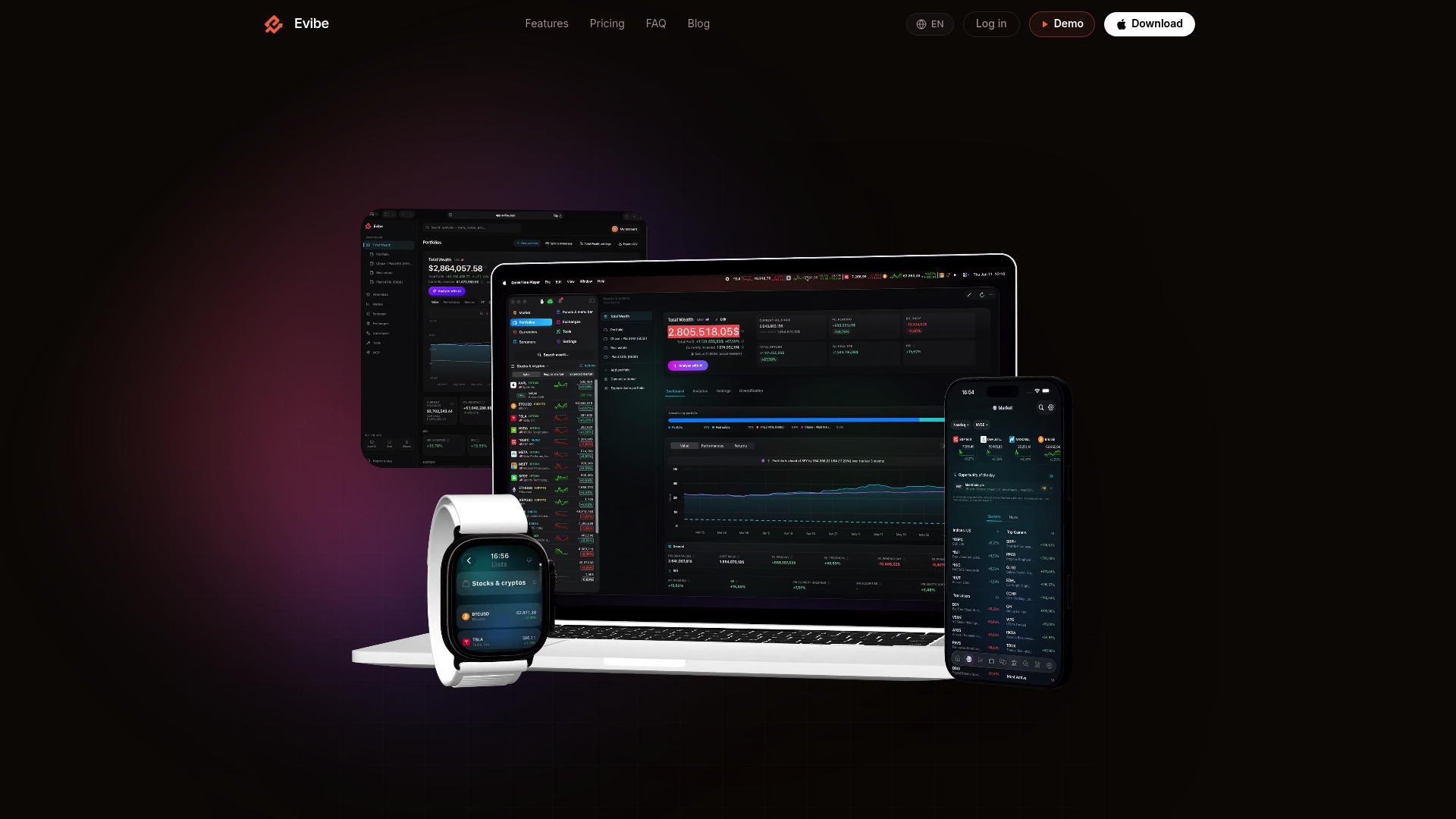
Review the Evibe security page and try the app for yourself at Evibe, where pricing details are available on the site. Even the most privacy-focused tracker doesn't eliminate market risk, so pair it with the setup steps above.
This article is general information, not a substitute for advice from a qualified financial advisor. Consult a qualified financial professional about your own circumstances before acting on anything here.
Sources
FAQ
Which investment app is the most secure?
No single app can be called the most secure across the board, since protection depends on custody structure, the provider's MFA enforcement, and your own device habits. Confirm SIPC membership, passkey or authenticator support, and clear sweep disclosures before judging any provider's security.
How much money do I need to invest to make $3,000 a month?
The amount depends entirely on your expected return rate and the assets you hold, so there's no fixed figure that applies to everyone. A financial advisor can model this based on your actual portfolio and risk tolerance.
Which app is best and safe for investment?
Safety comes down to verifiable controls rather than brand reputation alone: check for MFA, SIPC membership, disclosed sweep partners, and read-only options for any tool that only tracks rather than trades. Some portfolio tracking apps use read-only syncing specifically to limit what a compromised login could affect.
Should I use an investment app?
Investment apps can be a practical way to trade and track holdings when the provider meets baseline protections like MFA, transaction alerts, and clear custody disclosures. Run the verification checklist above before funding any account, and treat "protected" claims as conditional until you've confirmed what they actually cover.