Track Cash Across Banks: Monthly Read Only Routine to Stay FDIC Safe
See all your bank balances in one secure view with read only aggregation or a spreadsheet. Follow a short monthly routine to keep funds FDIC safe and spot...
Track Cash Across Banks: Monthly Read Only Routine to Stay FDIC Safe

To track cash across banks at a glance, use an account-aggregation tool (or a syncing portfolio tracker) set to read-only access. If you would rather skip third parties, a simple spreadsheet with monthly reconciliation works too. Either way, confirm your connections are read-only and check that your balances stay within FDIC coverage limits before you call the system done.
TL;DR:
- Automated aggregation tools provide the broadest, most convenient view of bank balances but rely on read-only access and may cost extra.
- Confirm that all connections are read-only and verify balances and pending transactions directly with your bank before trusting the data.
- FDIC coverage protects up to $250,000 per depositor at each bank, so spreading cash across institutions is a common safety practice.
- Regular monthly reconciliation ensures you catch timing differences, pending holds, or errors that can inflate perceived cash amounts.
- For multi-currency accounts, track balances in their native currencies and convert to a single reference currency to maintain accurate totals.
Table of Contents
- Practical options to consolidate bank cash balances
- Setting up read-only access safely
- What to watch: balances, pending items, and coverage limits
- A simple monthly routine and quick reports to keep cash organized
- Regulatory and safety notes on large cash
- How Evibe fits into tracking cash across banks
- Handling multi-currency accounts across banks
- Reconciling discrepancies between statements and your tracker
- What actually matters when you track cash across banks
- Try Evibe for effortless multi-bank cash tracking
- Sources
- FAQ
Practical options to consolidate bank cash balances
Picking a method comes down to how much convenience you want versus how much manual effort you are willing to accept. Account-aggregation apps and portfolio trackers pull balances from every connected bank into one dashboard, syncing automatically so the numbers update without you lifting a finger. That is the appeal: you open one screen and see everything.
Bank dashboards are the built-in alternative. Most banks let you view linked external accounts, but coverage is uneven: some only show accounts at partner institutions, and the data often lags by a day or more.
Spreadsheets are the manual option, and they still make sense for people who want zero third-party access or who are running a one-time audit of where their cash sits. The tradeoff is time: you have to log in to each bank and type in numbers yourself.
- Aggregation apps or trackers: automatic syncing, continuous updates, broadest coverage, usually a subscription cost.
- Bank dashboards: free and built in, but partial coverage and occasional lag.
- Spreadsheets: full privacy and control, but manual entry and the highest chance of human error.
If you value speed and a single view, lean toward a syncing tool. If you prioritize privacy or only need an occasional snapshot, a spreadsheet does the job.
Setting up read-only access safely
The access you grant matters more than the app you pick. Read-only access lets a tool view balances and transactions without the ability to move money, which is the safer standard for anything built to monitor rather than transact. Payment-capable access, by contrast, can initiate transfers, and that is a different risk profile entirely for a tool whose only job is to show you numbers.
Behind the scenes, most aggregators rely on tokenization: instead of storing your bank password, they exchange a token with your bank that can be revoked without changing your login credentials. The CFPB's guidance on sharing financial data recommends checking exactly this: how often an app accesses your data, whether it is read-only, how long it retains data, and how easy it is to revoke.
- Choose a tool that states read-only access explicitly in its permissions screen.
- Connect your lowest-balance account first to confirm the sync works correctly.
- Check that pending transactions and current balances match what your bank shows.
- Review the tool's data retention and revocation policy before connecting more accounts.
- Add remaining accounts once you trust the first connection.
Separately, CFPB stakeholder insights on data aggregation describe tokenized, read-only connections as a baseline practice for third parties handling account data responsibly.
Pro Tip: Deleting an app from your phone does not always cut off its access. Log into your bank's security settings and revoke third-party permissions directly to be sure the connection is closed.

What to watch: balances, pending items, and coverage limits
A balance is not a single number. Your available balance reflects what you can actually spend right now, while your ledger balance includes pending holds and deposits that have not cleared. Mixing the two up is the most common reason people think they have more cash on hand than they do.
It helps to think in cash buckets rather than account totals: an emergency fund, a checking buffer for monthly bills, and goal-based savings (a house down payment, a vacation) each deserve their own line, even if they sit in the same bank.
- Check available versus ledger balance before assuming cash is free to spend.
- Separate accounts into buckets by purpose, not just by bank.
- Watch for pending deposits or holds that can inflate a ledger balance temporarily.
- Verify unusual entries directly with the bank if an aggregator's numbers look off.
FDIC insurance covers up to $250,000 per depositor, per insured bank, per ownership category, and deposits held at different banks are insured separately. Spreading cash across institutions can be a deliberate way to stay under that limit at each one.
A simple monthly routine and quick reports to keep cash organized
Tracking cash across banks does not need daily attention. A short monthly pass catches most issues before they become problems.
- Reconcile every account balance against what your tracker or spreadsheet shows.
- Clear any pending transactions that have since settled, and flag anything still unexplained.
- Identify idle cash sitting in low-yield checking accounts and decide whether to move it.
- Run a quick cash snapshot: total across all banks, broken out by bucket.
- Check for any account approaching the FDIC coverage limit at that institution.
A few automated habits make this faster. Set alerts for balances dropping below a threshold, schedule a monthly export of transaction history, and consider rule-based transfers that sweep extra checking cash into savings automatically. Our guide to a monthly multi-asset routine walks through a version of this cadence in more depth.
Regulatory and safety notes on large cash
A persistent myth is that depositing $3,000 or more in cash triggers automatic reporting. That is not accurate for personal banking. The real threshold that matters is federal: under IRS Form 8300 rules, it is businesses, not individual depositors, that must file a report when they receive more than $10,000 in cash in a single transaction or a set of related transactions, within 15 days.
- There is no generalized personal rule triggered at smaller cash deposits.
- Form 8300 applies to businesses receiving cash payments over $10,000, not to individuals depositing into their own accounts.
- Certain monetary instruments, like cashier's checks or money orders, can count as cash for this reporting in specific contexts.
- FDIC coverage protects up to $250,000 per depositor, per bank, per ownership category, regardless of how the cash got there.
If you are regularly moving large cash amounts for business purposes, a tax or legal professional can confirm how these rules apply to your situation.
How Evibe fits into tracking cash across banks
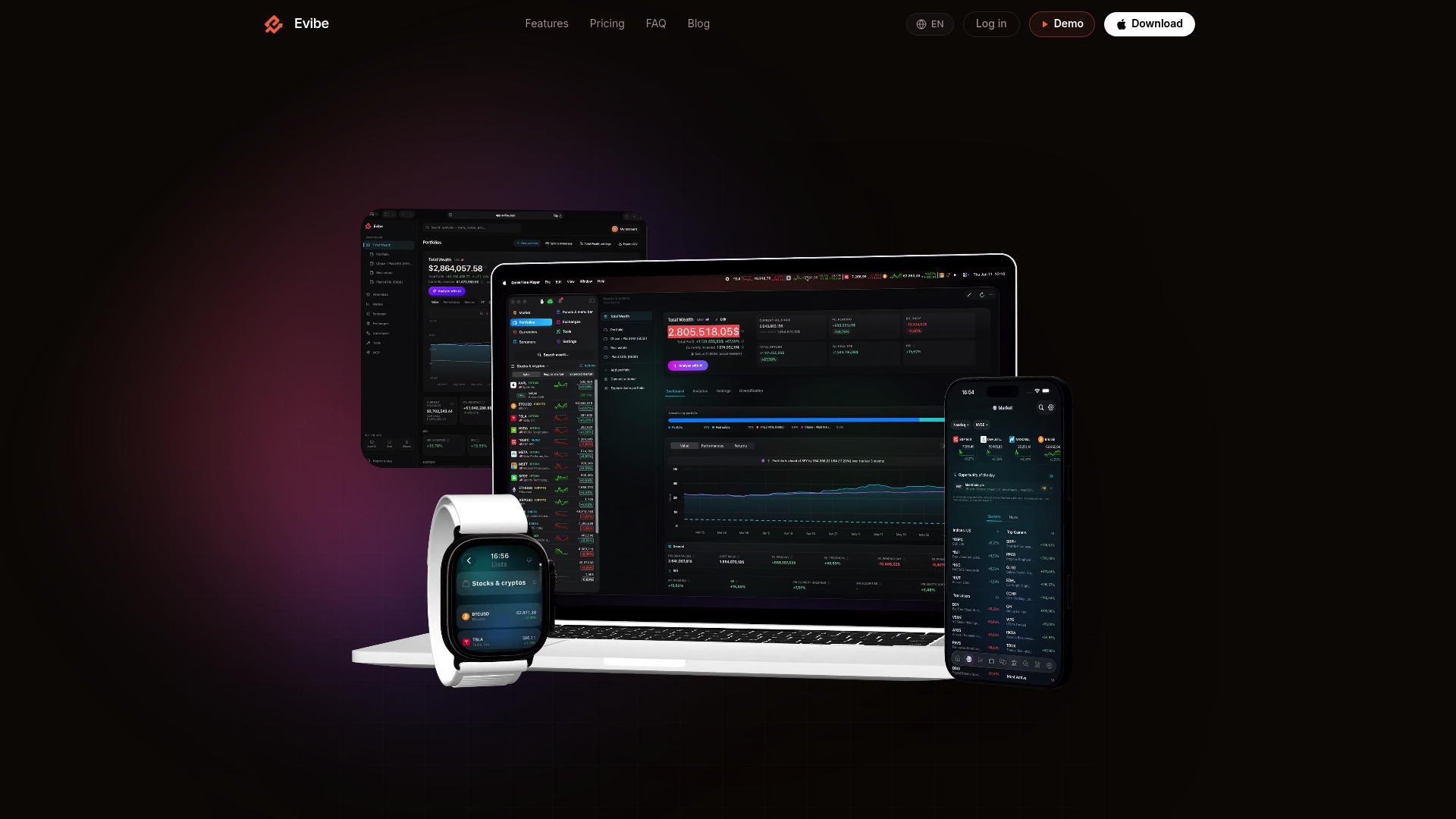
Evibe is built around automatic syncing: once you connect your accounts, balances update without manual entry, which is the same principle behind any good aggregation setup. Beyond the raw numbers, Evibe adds AI-driven analysis that flags things like idle cash sitting in a low-yield account, and smart alerts that notify you when a balance crosses a threshold you set.
In practice, that covers a few common workflows:
- A single cash snapshot across every connected bank, without opening separate apps.
- Alerts when cash has sat idle in checking for longer than it should.
- Suggestions for redistributing cash based on your overall portfolio picture, not just one account.
None of this replaces checking with your bank directly. Coverage depends on how well a given institution supports syncing, and any entry that looks unusual deserves a direct look at your bank statement before you act on it. For a guided first connection, our walkthrough on linking accounts automatically covers the setup end to end, and our comparison of net worth tracker features explains what to look for beyond cash alone.
Handling multi-currency accounts across banks
If you hold accounts in more than one currency, consolidating cash gets a layer more complicated. A balance in euros and a balance in dollars are not directly comparable without converting one into the other, and that conversion changes daily with the exchange rate.
The practical fix is to track balances in their native currency first, then convert to a single reference currency only for the summary view. A spreadsheet can do this with a manual FX rate you update periodically, though that introduces lag between the rate you used and the current market rate. A tracker with built-in multi-currency support handles this automatically, pulling a current FX rate and applying it to each balance so your total net cash figure stays accurate without you doing the math by hand.

Either way, keep an eye on which currency each account is actually denominated in. A bank dashboard or tracker that displays everything in one currency without clearly labeling the original currency can mask how much is actually sitting in each one, which matters if you are managing currency risk or planning a transfer between countries.
Reconciling discrepancies between statements and your tracker
Numbers will not always match between your bank statement and whatever tool you are using to track cash, and that is normal rather than alarming. The usual culprits are timing differences: a deposit that shows as pending in your tracker but has not yet cleared at the bank, or a transaction the aggregator has not refreshed since your last sync.
Duplicate transactions are the other common issue, particularly when an aggregator double-counts a transfer between two accounts you have both connected. When you spot a mismatch, check the transaction date and status first. If a deposit or charge is still pending at the bank, give it a day or two before treating the discrepancy as an error.
Keep a short reconciliation note, whether in your spreadsheet or your tracker's notes field, whenever you find a timing gap. That way, if the same type of discrepancy shows up again next month, you already know it is a sync delay rather than a real problem. Verifying directly with the bank is always the final word when the numbers genuinely will not line up.
What actually matters when you track cash across banks
Most advice on this topic focuses on which app has the prettiest dashboard. That misses the point. The real risk is not a clunky interface, it is cash sitting disconnected across banks where nobody notices it is idle, uninsured beyond the FDIC limit, or simply forgotten.
The conventional wisdom also overstates the danger of account aggregation itself. Read-only, tokenized access, the kind the CFPB has outlined for data aggregation, is a reasonable tradeoff for most people, not a reckless one. The bigger risk is choosing a tool that is vague about whether it has read-only access at all.
If you take one thing from this, prioritize the monthly habit over the tool. A spreadsheet checked faithfully every month beats an app that syncs in real time but gets ignored. Pick a method you will actually stick with, confirm it is read-only, and treat the FDIC limit as a planning tool, not an afterthought.
— Vincent
Try Evibe for effortless multi-bank cash tracking
Evibe syncs your connected bank accounts automatically and sends smart alerts when cash sits idle or a balance shifts, so tracking cash across banks takes minutes instead of a spreadsheet session every month.
- Start with a 7-day free trial, then continue for $79 per year.
- Read-only connections only, following the setup steps in our account-linking guide.
Check out Evibe to see your cash and the rest of your portfolio in one place.
This article is general information, not a substitute for advice from a qualified financial advisor. Consult a qualified financial professional about your own circumstances before acting on anything here.
Sources
- IRS Form 8300 reference guide | Internal Revenue Service
- What to consider when sharing your financial data | Consumer Financial Protection Bureau
- Fdic
- Consumer protection principles: Data aggregation — stakeholder insights (CFPB)
FAQ
What is the $3,000 bank rule?
There is no federal rule that triggers reporting at $3,000 for personal cash deposits. The reporting threshold that applies is $10,000, and it applies to businesses receiving cash payments, not to individuals depositing into their own bank accounts.
What is a free app that can track all my bank accounts?
Many banks offer free dashboards that show linked external accounts, though coverage and update frequency vary by institution. A dedicated aggregation app or portfolio tracker generally offers broader coverage, and some, including Evibe, offer a free trial before any subscription cost applies.
How often can I deposit $9,000 cash without it being reported?
The $10,000 reporting threshold under Form 8300 applies to businesses, not to personal bank deposits, and covers a single transaction or related transactions totaling more than $10,000. Structuring deposits specifically to avoid a reporting threshold can itself raise legal concerns, so consult a tax professional if you are moving large cash amounts regularly.
What happens if I have more than $10,000 in my bank account?
Nothing happens automatically from simply holding more than $10,000 in a personal bank account. FDIC insurance covers up to $250,000 per depositor, per insured bank, per ownership category, so balances above that at a single bank are worth splitting across institutions if you want full coverage.